How to Remove Background from Any Image in Seconds with Neural AI
Learn how to isolate products, portraits, and objects automatically using AI background removal with transparent PNG export.
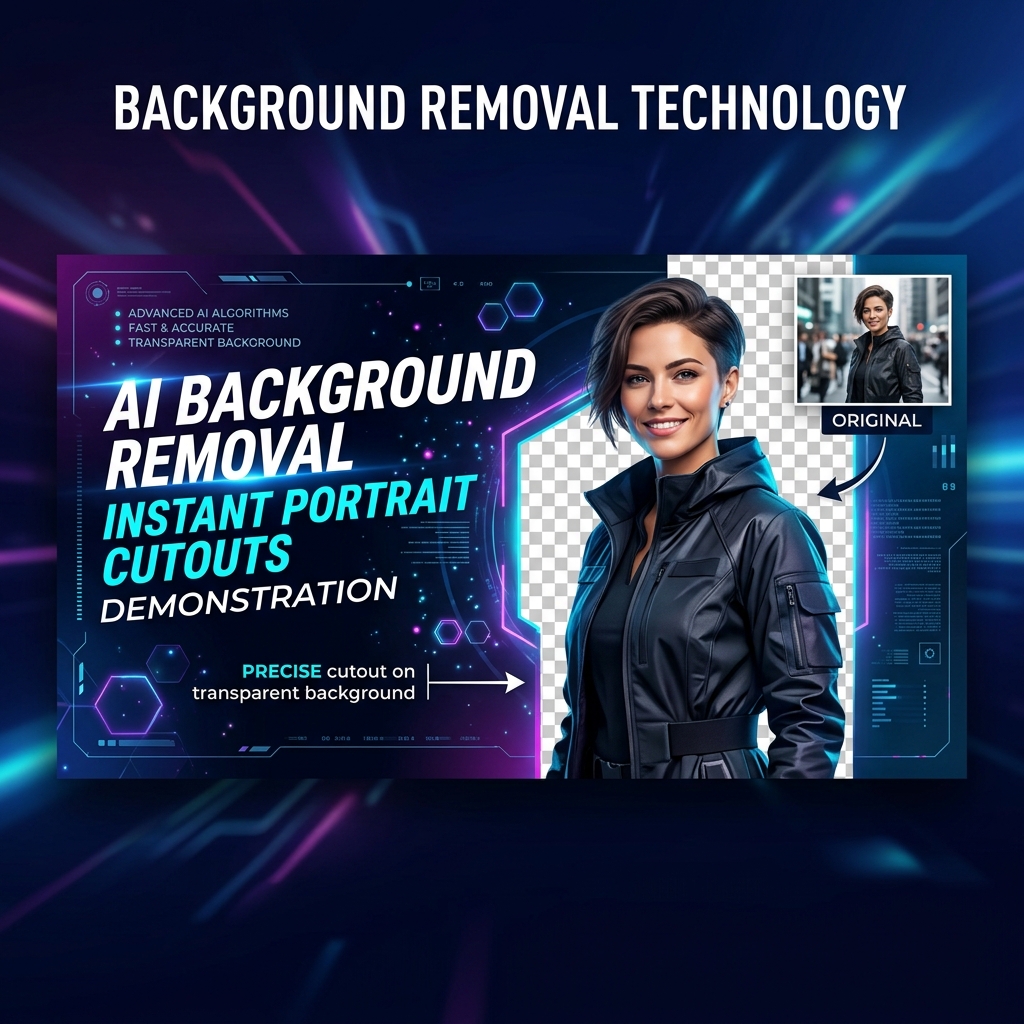

Clean product photos with transparent backgrounds are essential for e-commerce stores on Shopify, Amazon, and WooCommerce. Previously, erasing backgrounds required painstaking manual cutout work.
With Ai LOVE Img's AI Background Remover, you can remove photo backgrounds automatically in 3 simple steps:
Step 1: Drag & Drop Your Photo
Select or drag any PNG, JPG, or WebP photo into the browser dropzone.
Step 2: Instant Neural AI Isolation
Our WebAssembly AI model automatically detects subjects—including tricky details like hair, fur, transparent glass, and product edges—isolating them from the background in seconds.
Step 3: Download Transparent PNG
Use our precision tolerance slider or eraser brush if needed, then click Download PNG to get your 32-bit transparent photo!
Tips for Best AI Cutout Results:
- Ensure decent contrast between your subject and the background.
- High-resolution images produce sharper sub-pixel edge cutouts.
- Works 100% offline in your browser with zero file upload wait times!
Ready to edit your images with 100% browser privacy?
No signups, no cloud file uploads, and zero watermarks. Experience WebAssembly graphics technology today.