How to Compress PNG & JPG Images in Batch Without Quality Loss
Optimize your site speed and Core Web Vitals (LCP) by shrinking image file sizes up to 80% with WASM batch compression.

Unoptimized images are the #1 cause of slow websites and poor Google Core Web Vitals scores (specifically Largest Contentful Paint - LCP).
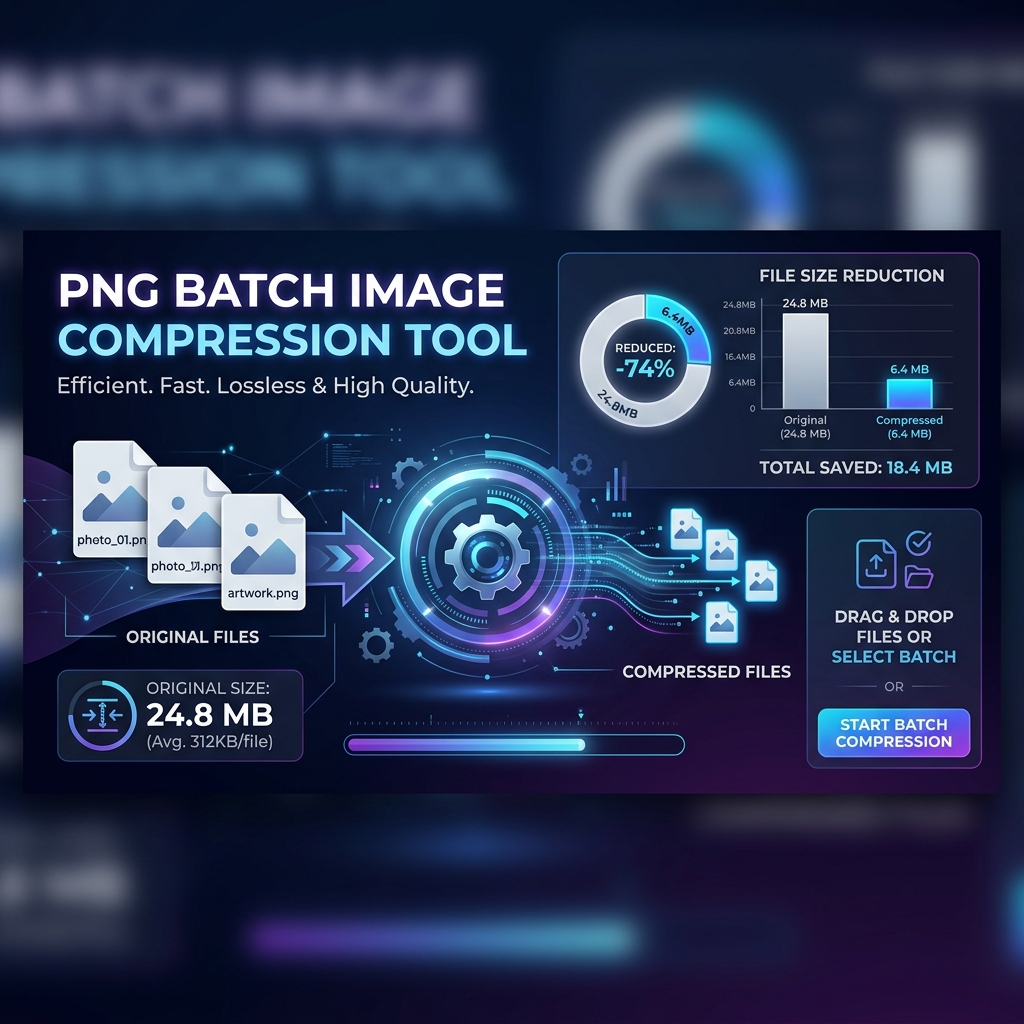
Here is how you can batch compress PNG, JPG, and WebP images up to 80% lighter while maintaining visual clarity:
Step 1: Select Batch Files
Drag and drop a batch of images at once into our Compress PNG tool.
Step 2: Intelligent Quality Optimization
Our engine analyzes pixel color frequency and alpha transparency channels, removing redundant image data without causing visible artifacts.
Step 3: 1-Click ZIP Export
Click Download ZIP to save all your optimized images in a single organized archive!
Key Benefits of Image Compression:
- Higher Google SEO Rankings: Faster page load speeds boost search rankings.
- Lower Server Bandwidth Costs: Save bandwidth when serving heavy graphics to users.
- Improved Conversion Rates: Visitors leave slow sites; crisp fast images keep them buying.
Ready to edit your images with 100% browser privacy?
No signups, no cloud file uploads, and zero watermarks. Experience WebAssembly graphics technology today.